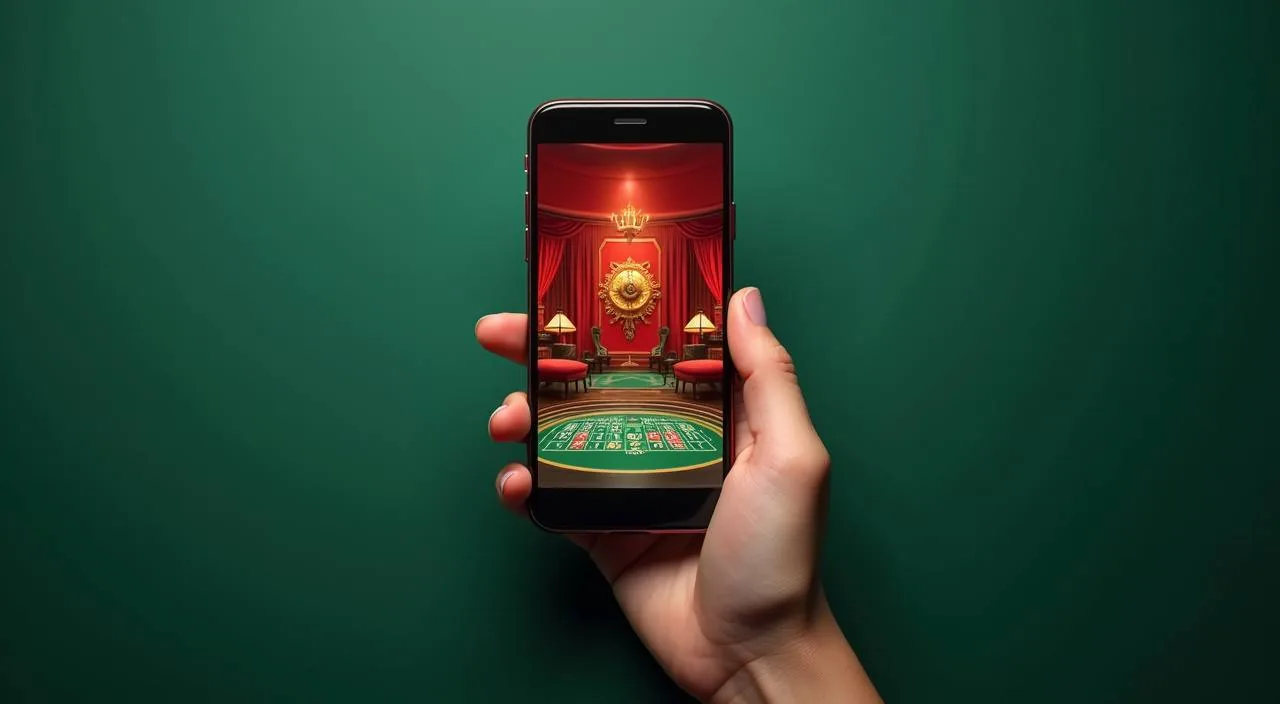
Your bbkk33 account is accessible from any mobile browser — no store download required to get started. Check game availability, review your wallet, and reach support from the same screen you already use for Nagad and Bank Transfer.
When you open bbkk33 on your phone, the layout adjusts to your screen size automatically. Navigation sits at the bottom of the page so your thumb reaches it without stretching. Your account dashboard, wallet section, and game lobby are all reachable from the same menu row.
BROWSER SESSION FEATURES
Mobile Page Behaviour at a Glance
The responsive layout and account tools available through the bbkk33 mobile browser session cover four key areas worth knowing before you sign in.
Responsive Navigation
The menu reflows for small screens and places account, wallet, games, and support within thumb reach. No pinching or zooming needed to get to the section you want — the layout is built around single-hand use on a standard phone screen.
Account Dashboard Access
Your wallet balance, recent activity, and profile controls load as soon as you sign in. Nagad and Bank Transfer options appear in the wallet section of the dashboard; you do not need to navigate to a separate payment page to see them.
Game Lobby on Mobile
Slots, live casino tables, and sports markets are accessible from the lobby without a separate app. Titles from PlayStar, CQ9, Habanero, and Bigtime Gaming render in the mobile browser with the same category structure as desktop.
Support Path Visibility
Help routes are shown in the main navigation on mobile, not buried in a footer. You can reach account support directly from the signed-in menu without leaving the page you are already on or opening a new browser tab.
GETTING STARTED STEPS
Mobile Access in Three Steps
Getting your bbkk33 account running on mobile does not require a store install. The process goes through your existing browser, and the steps below reflect what is currently verifiable on the site.
Open the current site
Type bbkk33 directly into your mobile browser address bar. Do not search for it through a third-party link; go to the domain directly to make sure you are on the right page before entering any account details.
Check browser compatibility
The site works on current versions of Chrome, Safari, and Firefox on both Android and iOS. If the page does not load correctly, clear your browser cache or try switching to a different browser before contacting support.
Sign in to your account
Use your registered email and password from the login page. If you have forgotten your credentials, the recovery option is on the same login screen. Your session carries your wallet state, game history, and support access once authenticated.
Verify your wallet and settings
After signing in, go to the wallet section to confirm your Nagad or Bank Transfer details are showing correctly. Account and notification settings are in the profile section of the same menu row.
DEVICE COMPATIBILITY CHECK
Checking Your Device Before You Sign In
Browser access covers a wide range of current phones and tablets. The checklist below helps you confirm your setup matches what the site currently supports.
Mobile Browser Version
Use an up-to-date version of Chrome, Safari, or Firefox. Older browser versions may not render the game lobby or payment section correctly. Check your browser's update screen if pages load without images or buttons appear misaligned.
Screen Layout and Orientation
The site layout is designed for portrait mode on phones. Landscape works on most devices but the navigation may reposition. Tablet users on landscape orientation will see a closer-to-desktop layout with the full game rail visible.
Account Sign-In Requirement
Game play, wallet access, and support routes all require a signed-in session. If you are browsing without logging in, you will see the lobby but not your account data. Use the login button at the top of the page to start an authenticated session.
Supported Device Types
Any smartphone or tablet running a current Android or iOS version and a modern browser should load the site without issues. If your device runs an older OS and you encounter problems, the support team can advise on the current device guidance published for Bangladesh users.
Connection and Load Time
A standard 4G mobile connection loads the lobby and account pages without significant delay. On slower connections, the game thumbnails may take a moment longer; the navigation and wallet section load first so you can check your account while the game grid fills in.
HELP FOR MOBILE USERS
Reaching Support From Your Phone
If something is not working as expected in your mobile session — a page not loading, a wallet section not showing, or a login issue — support is reachable directly from the signed-in menu. Use the route that matches your situation.
In-Page Support Route
The help or support link in the main navigation menu takes you directly to the contact section. This is the fastest path from any page on the site.
Account Recovery Path
If you cannot sign in, the recovery option is on the login page itself. Follow the steps shown there for email or password issues. The instructions on that page reflect the current process, so follow them as written rather than relying on older information from external sources.
Wallet and Payment Queries
For questions about your Nagad or Bank Transfer transaction records, go to the wallet section after signing in. The transaction history shows the status of each entry. If a transaction status does not match your expectation, note the reference and use the in-page support route to raise it with the team.
ACCOUNT SAFETY CHECKS
Keeping Your Mobile Session Secure
Mobile access on a shared or public network carries different risks than desktop use at home. These checks help you keep your account in good standing and verify you are on the right site before entering credentials.
Verify the Domain
Before signing in, confirm the address bar shows bbkk33 exactly. The padlock icon in your browser confirms the connection is encrypted. If the URL looks different or the padlock is missing, do not enter your password — close the tab and go to the address directly.
Review Published Device Guidance
The site publishes guidance for supported devices and browsers in the help section. Check that page if you are using an older device or a less common browser. Following the published guidance reduces the chance of a session error or a page that does not load correctly.
Protect Your Credentials
Do not save your bbkk33 password in a shared phone or a browser profile that other people access. Use the sign-out option after each session on a shared device. The account section lets you review active sessions and end any you do not recognise.
Use the Published Recovery Path
If you suspect your account has been accessed without your permission, use the account recovery route shown on the login page and the support route in the signed-in menu — in that order.
APP ACCESS FAQ
Common Questions About bbkk33 App Access
These are the questions we see most from Bangladesh users who want to manage their account on mobile. Each answer reflects what is currently verifiable on the site.
Is there a native bbkk33 app I can download from the Play Store or App Store?
A confirmed native app listing is not currently published for the Play Store or App Store. The verified path for mobile access is through your browser at bbkk33. If an official app build becomes available, it will be shown in your account area on the site.
Which browser works with bbkk33 on Android and iOS?
Current versions of Chrome, Safari, and Firefox on both Android and iOS load the site correctly. If you see layout issues, update your browser first. Older versions of any browser may not render the game lobby or wallet section as intended, so keeping the browser current helps.
Can I access my Nagad and Bank Transfer wallet details on mobile?
Yes. After signing in, go to the wallet section from the main navigation menu. Your Nagad and Bank Transfer details are listed there. Transaction history and current balance are visible in the same section without needing to switch to a desktop device.
What should I do if the bbkk33 site does not load properly on my phone?
Clear your browser cache and try again. If the problem continues, switch to a different browser — Chrome or Firefox on Android, Safari or Chrome on iOS. If it still does not load, use the support route in the main navigation to report the issue with your device type and browser version.
How do I sign out of bbkk33 on a shared mobile device?
The sign-out option is in the account or profile section of the main menu. Always sign out after using bbkk33 on a phone that someone else can access. You can also review active sessions in the account area and end any session you do not recognise from your own use.
Does bbkk33 work on a tablet as well as a phone?
Yes. The layout responds to larger screens and shows a wider game rail and full navigation on tablets. Portrait and landscape both work, though landscape on a tablet gives you the closest view to the desktop layout. Account, wallet, and support routes are all accessible the same way as on a phone.
 App / Live